
How do I search efficiently?
Make the most of the intuitive search bar to get relevant results.

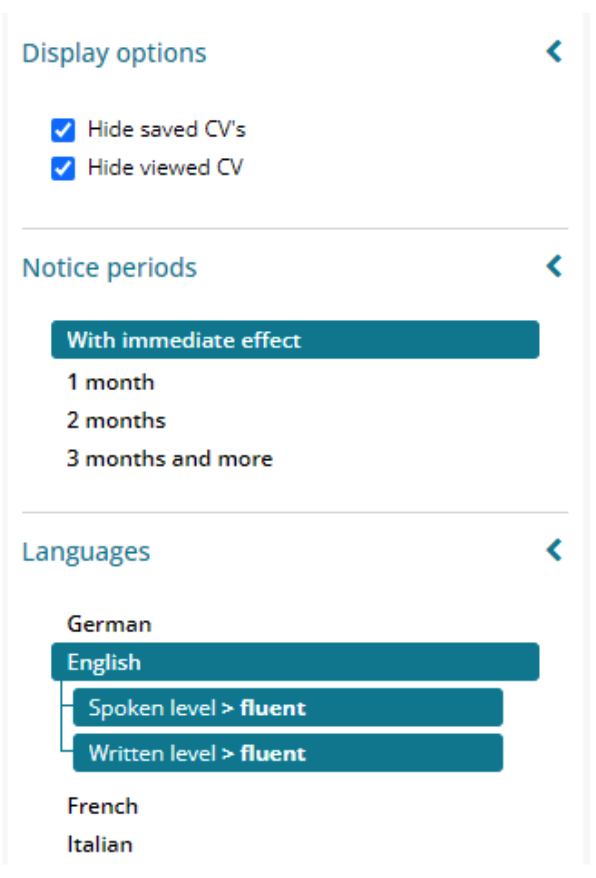
Refine your results using the different available filters.
You can also watch this tutorial video for more information.
How do I access documents?
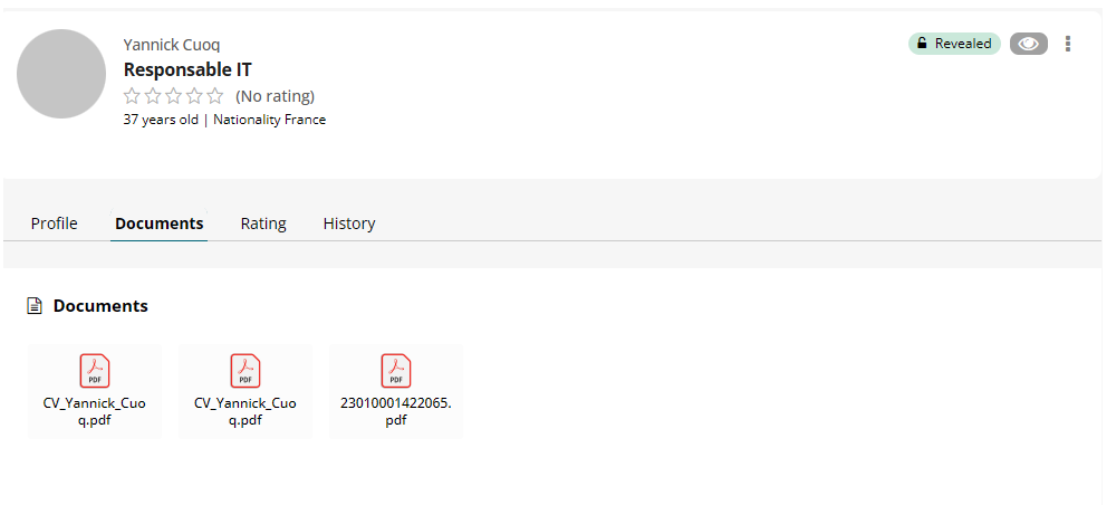
All of our profile documents are now accessible in the dedicated tab.
You can also watch this tutorial video for more information.
How do I contact the person?
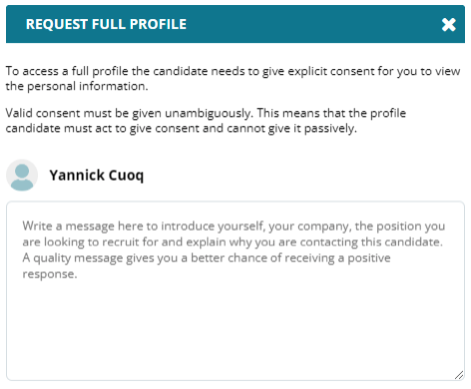
An essential step in our new CV Base involves contacting the profile to gain access to contact information and documents.
You can also watch this tutorial video for more information.
How can I save the profile and collaborate with my colleagues?
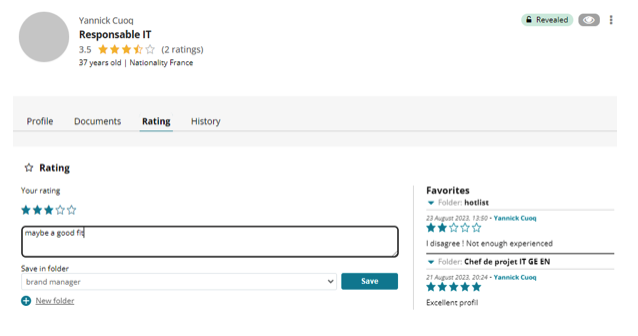
New tab dedicated to collaboration, accessible from the candidate profile details.
You can also watch this tutorial video for more information.
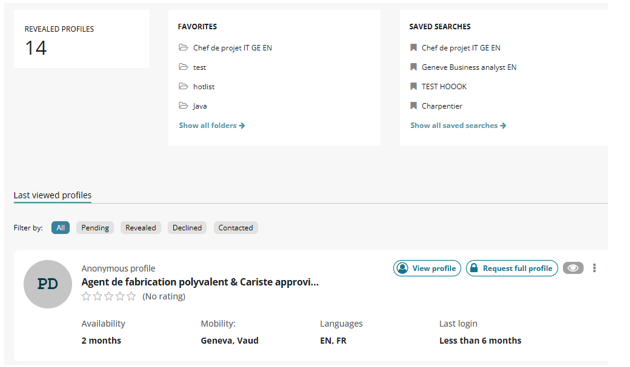
How do I retrieve my saved profiles?
Our new dashboard provides quick access to your favorite or recently viewed profiles.
You can also watch this tutorial video for more information.
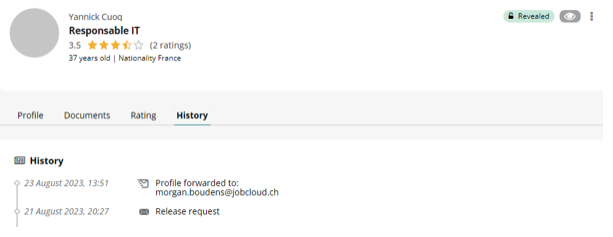
How do I check the history of contacts with one person?
You can find the different actions carried out in the history tab in the profile details.
You can also watch this tutorial video for more information.
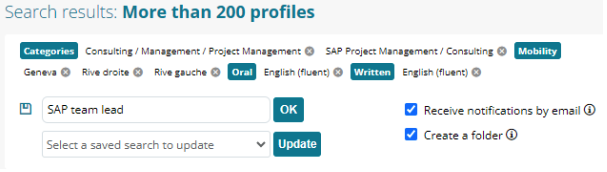
How can I receive new matching candidates directly in my inbox?
You always have the option to receive the freshest profiles by email, thanks to our CVMailer service.
You can also watch this tutorial video for more information.